


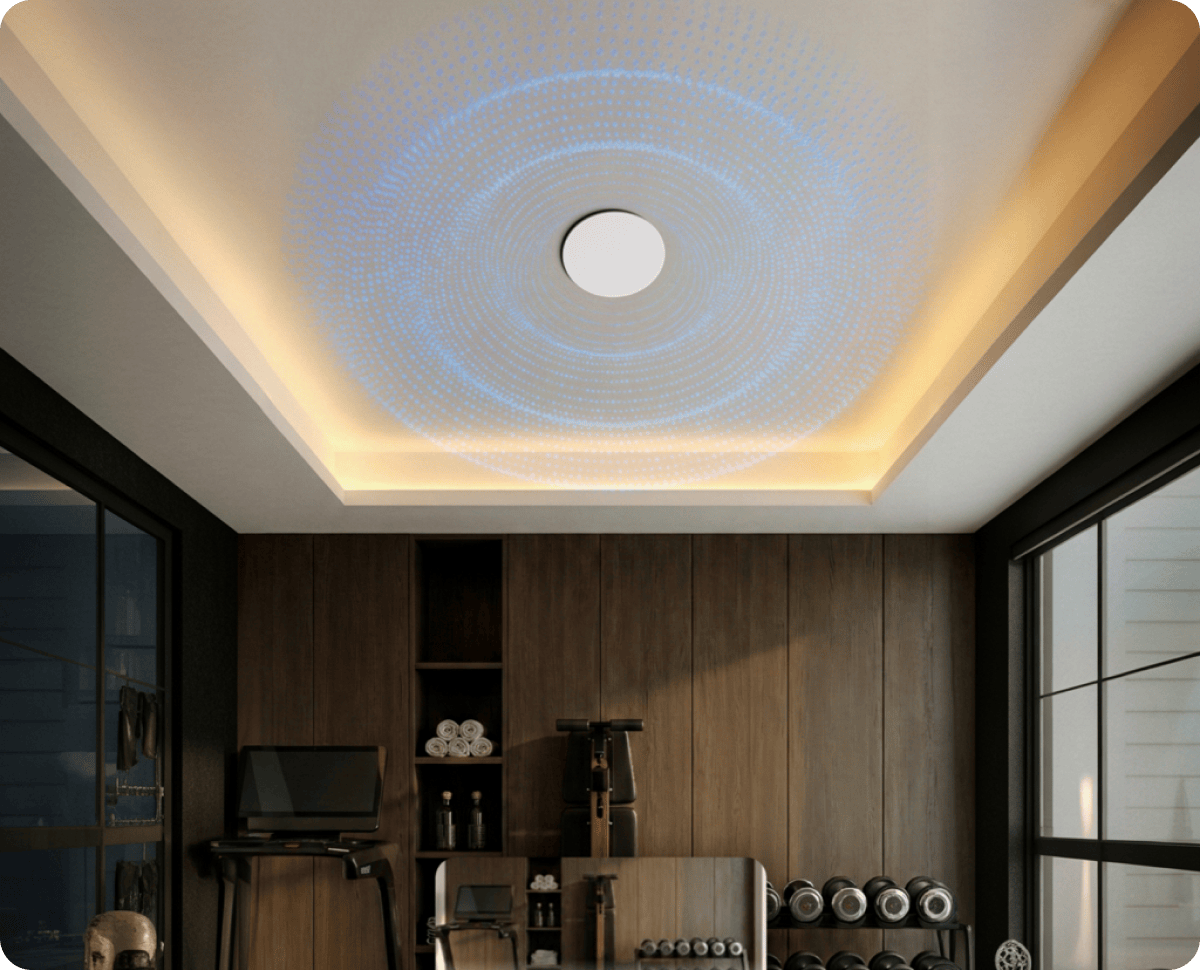

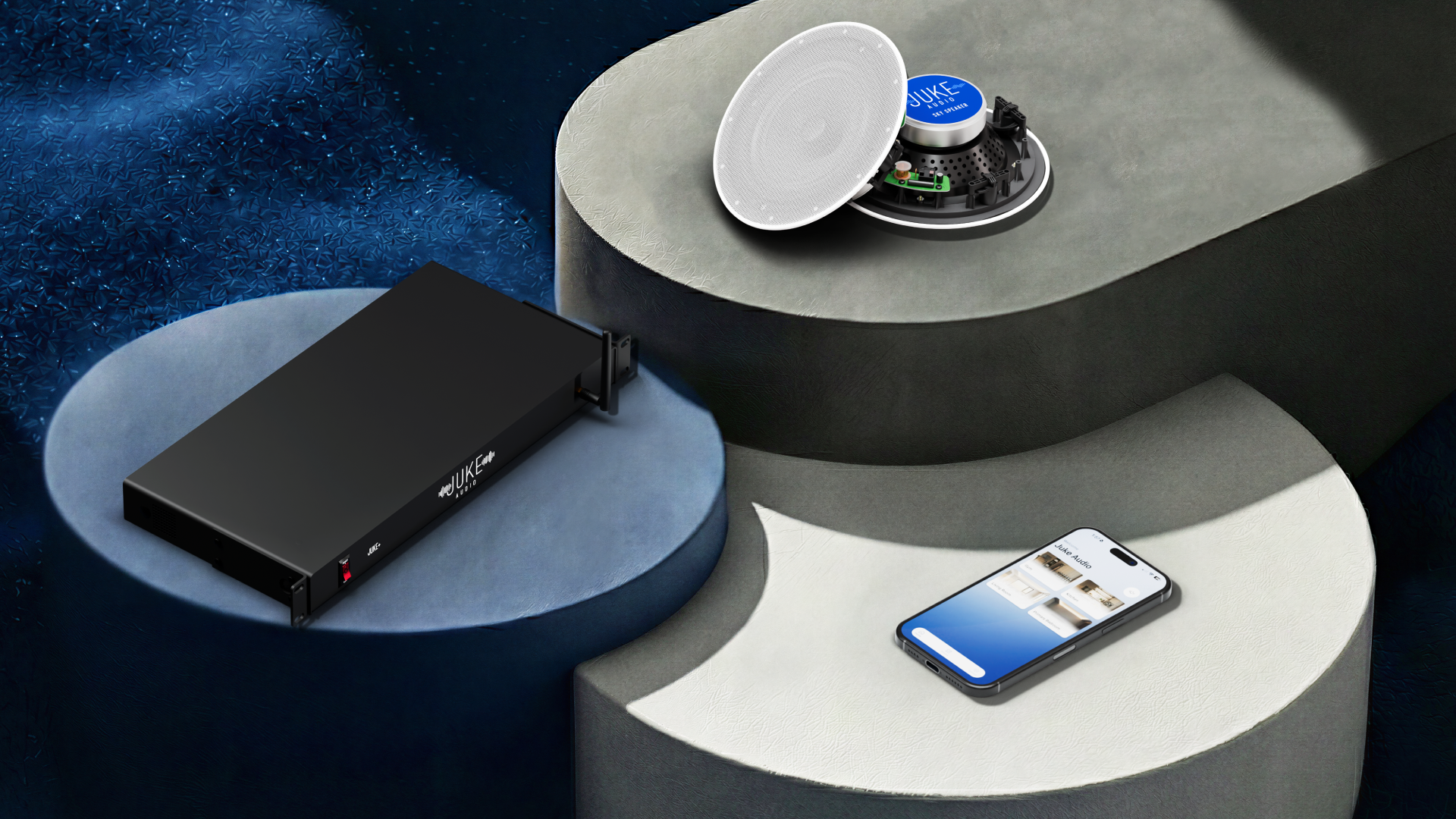

Style: 6.5” Inceiling or Inwall Speaker
Frame: Steel
Power rating: 50 Watts RMS/ 80 Watts Max
Impedance: 8 ohmSensitivity: 89dB +/- 2 dB (at 1W/1M)Frequency range: 72 – 20K Hz
Hole Cutout size: 8.4”
Overall outer dimension: 9.75”
Mounting Depth: 2.875”
90dB sensitivity, power rating 60 watts RMS / 120 watts peak, frequency range 40-20k Hz
Perfectly placed into any ceiling or wall. Fits round speaker hole size of 9.75" with a mounting depth of 3.5625"

While not rated for outdoor use specifically, you can place the Sky Speakers into an outdoor overhang or covered patio as long as long as they are not exposed to water directly. The main thing to avoid is placing them in a location where moisture could accumulate on them overtime.
Typically you'll connect 2 speakers per zone, so 12 speakers on the 6-zone units and 16 speakers on the 8-zone unit. However, if you have a large space that requires 4 speakers on a zone either of the Juke amplifiers can accommodate that with the Juke+ best suited to handle that given it's higher wattage output.
Ideally you'll have a positive (+) and negative (-) connection for each speaker arrive at the central location where it will connect to the amplifier. This can be done by running an individual 2 conductor wire from each speaker or running a 4 conductor wire from a pair of speakers, with the latter option requiring less wire.
These sky speakers are high-performance in-ceiling speakers that offer a rich and full sound. The 8" woofer offers noticeably more bass and low-end frequency from songs in comparison to the smaller 6.5" or 4" in-ceiling speakers. Also with a sensitivity rating at 90db, these speakers are highly efficient resulting in the clear and high output an amplifier paired with it.
Rather than following a typical process of using a drill or screwer to mount the speakers into place, the Sky Speakers offer a unique quick to connect installation mechanism that can be done with the tool in the box. After inserting the speakers into the cutout (9.725"), you then insert the tool into the 4 rivets around the perimeter of the speaker frame which fans out of the wings that hold it into the drywall / sheetrock.
.svg)


.png)


Power Output: 100 watts per channel at peak (200 watts per zone)
Wireless Inputs: Airplay 2, Spotify Connect, Bluetooth 5, DLNA
Wired Inputs: 1 RCA, 1 Optical, 2 USB ports (Requires this USB to RCA adapter)
Wired Outputs: 1 RCA 1 Optical
Speaker Impedance: 8 ohms to 2 ohms
Voltage input range: 90 to 264 VAC, 127 to 370 VDC
7lbs
17.13" wide by 8.38" deep by 1.75" high
Mounts into standard 19" equipment rack in 1U format
Amplifier Power Output: 40 watts peak per channel (80 watts per zone)
Wireless Inputs: Airplay 2, Spotify Connect, Bluetooth, DLNA
Wired Inputs: 2 USB ports (Requires this USB to RCA adapter)
Speaker Impedance: 8 ohms to 2 ohms
Voltage input range: 90 to 264 VAC, 127 to 370 VDC
Dimensions: 15” wide by 8” deep by 3” tall
Rack Mountable: Yes
Weight: 6lbs

.png)
.png)


.png)

Type:
Rating:
Recommended Power:
Power Handling:
Frequency Response:
Efficiency (Sensitivity):
Impedance:
Materials:
Dimensions:
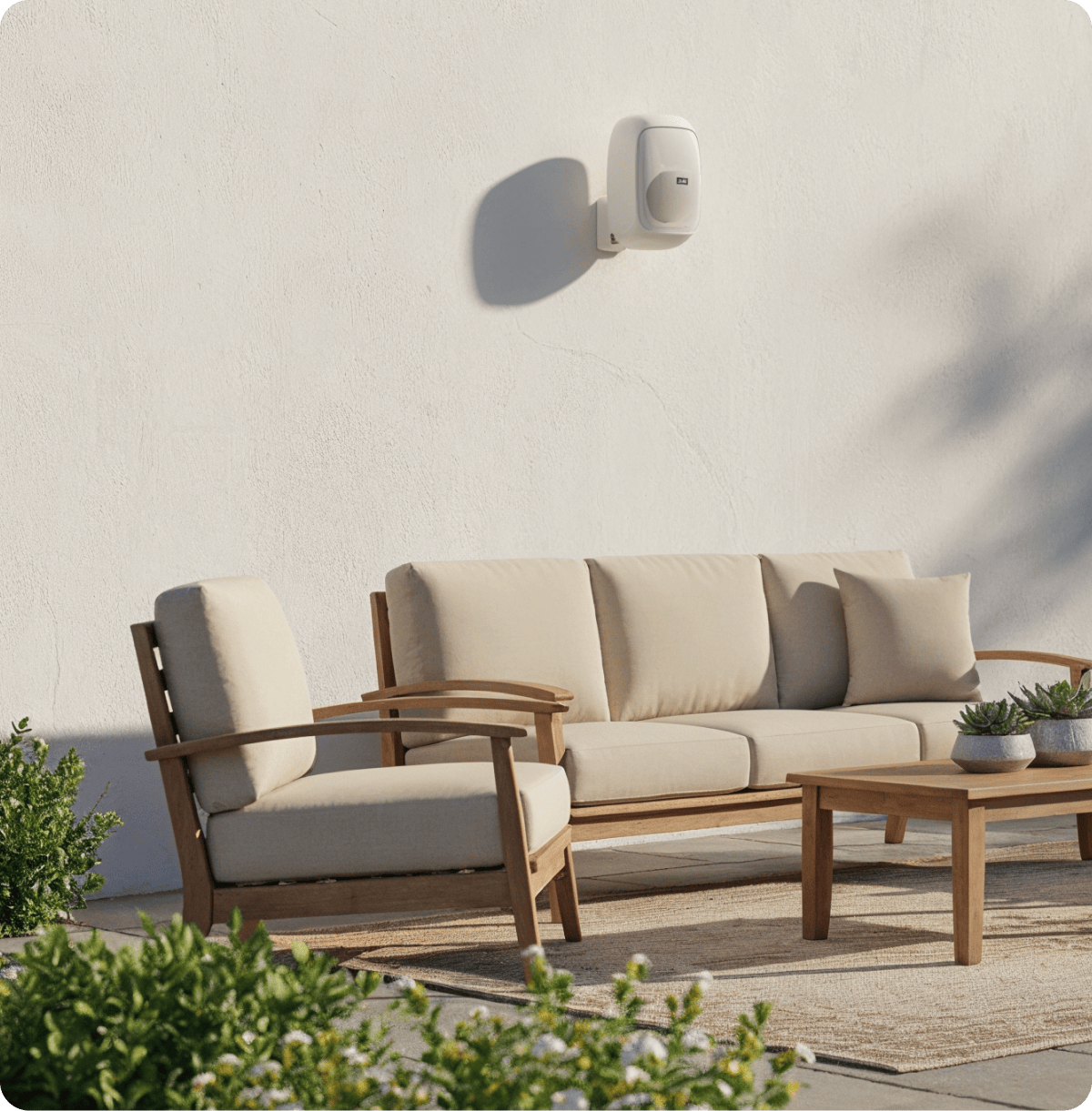
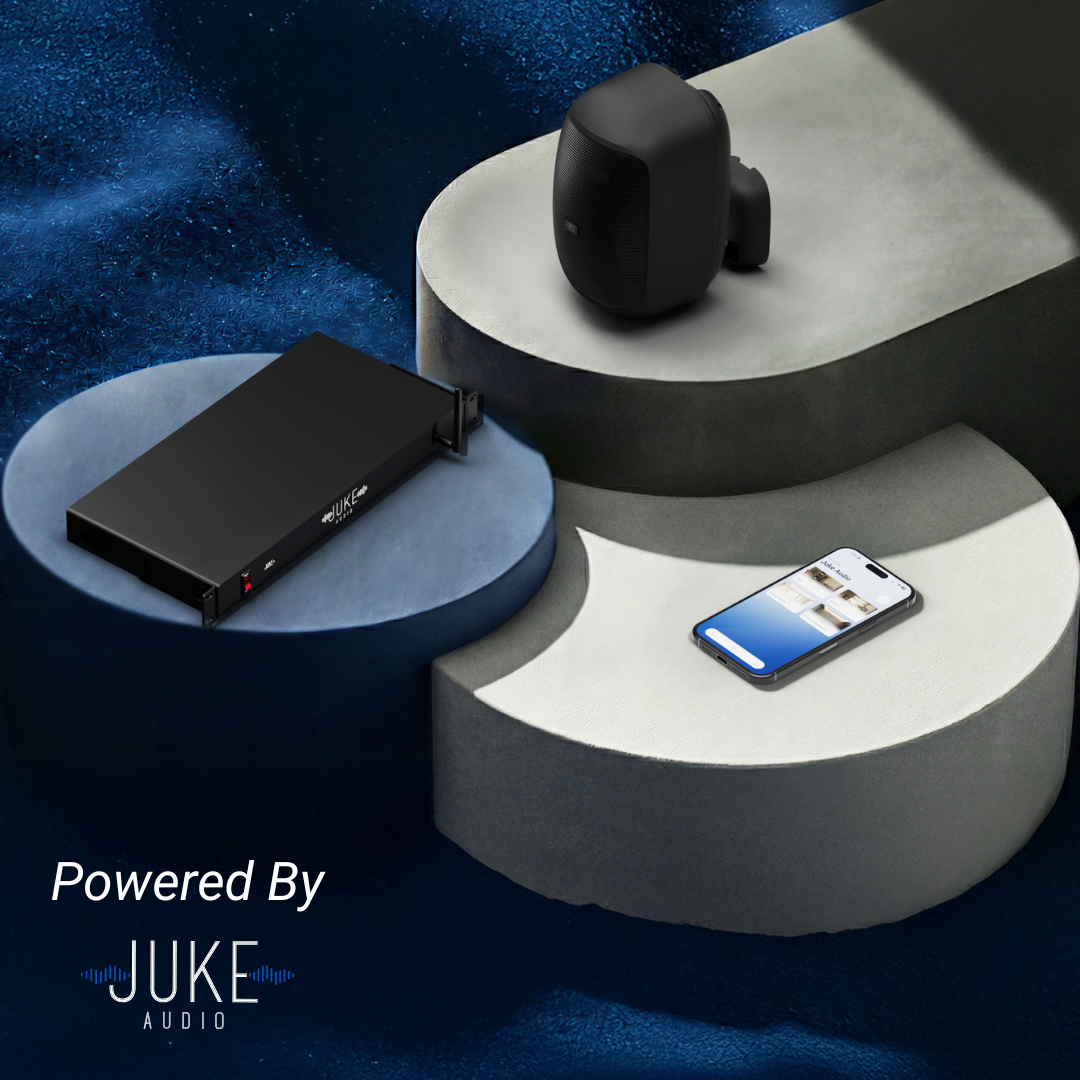
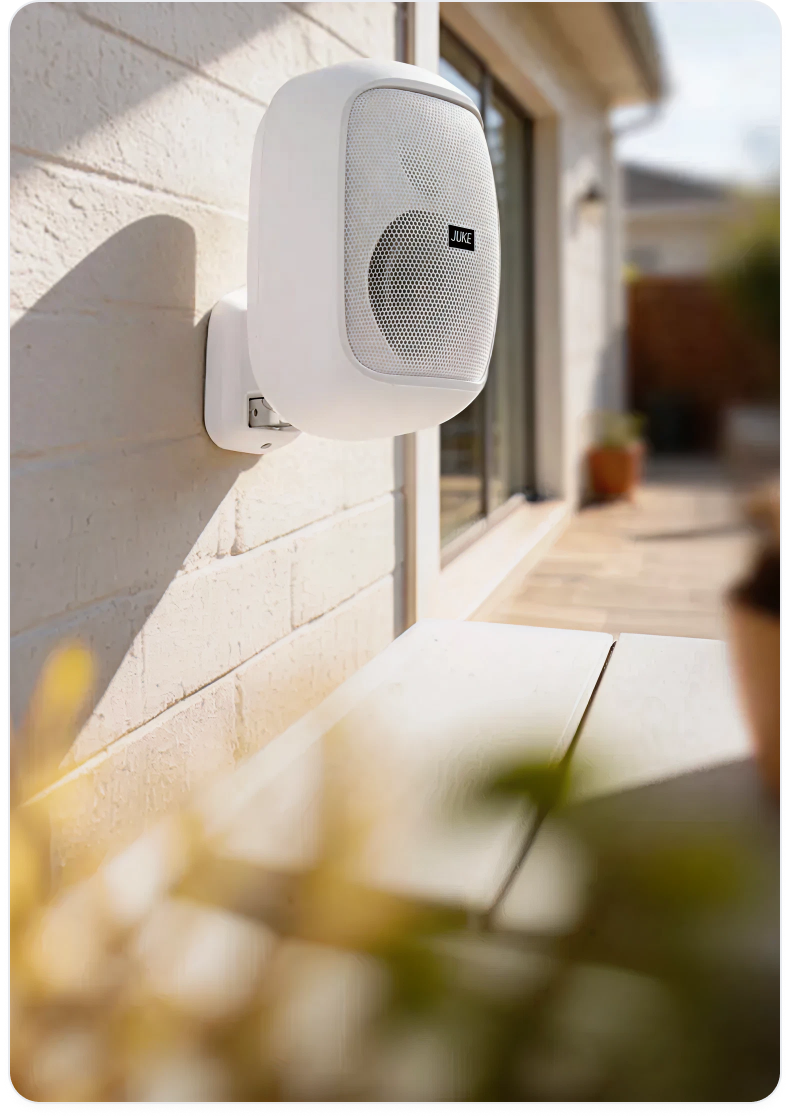
Type: 5" 2-Way Outdoor Speaker.
Rating: IP55 (Weather-resistant).
Recommended Power: 10 – 100 watts.
Power Handling: 80 Watts.
Frequency Response: 72 Hz – 20 KHz.
Efficiency (Sensitivity): 89 dB (at 1 watt / 1 meter).
Impedance: 8 ohms.
Materials: 5" Polypropylene Injection Cone,
Rubber Surround,
13mm PEI Dome Tweeter.
Dimensions: 10.31” x 5.75” x 6.3”

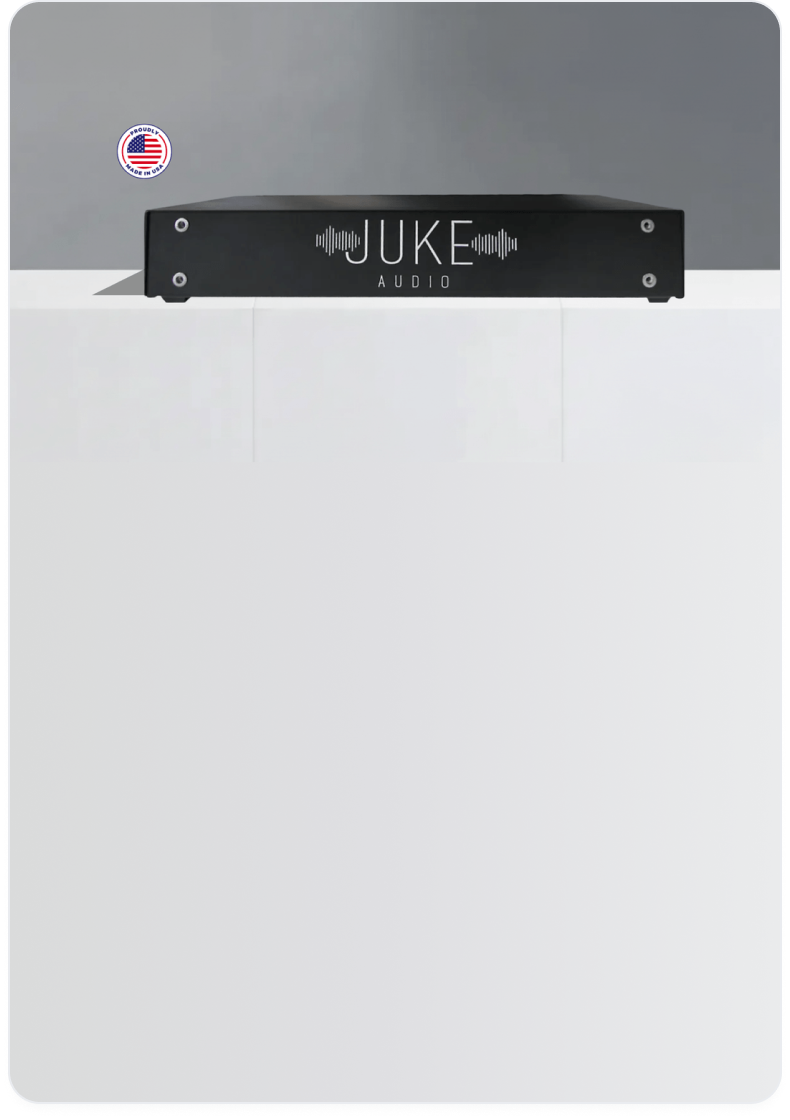

With 12 speaker channels on the amplifier, you can connect 12 speakers across 6 zones very seamlessly. Given the high wattage on this amplifier, you can also effectively power 4 speakers per zone without any issue if need be as long as the speakers are rated at 4 ohms or higher. Need more than 6 zones? You can combine multiple Jukes together on the network and have all the zones appear in the same app.
No, there are not any recurring fees assocaited with the Juke+. We do have the ability to push over the air software updates to all our amplifiers though and do so with some regularity to bring new and additional features to enhance the user experience at no additional cost.
The Juke+ offers nearly twice the wattage that the other Juke model does, allowing it to power larger and/or outdoor speakers more efficiently and with noticeable more output. Additionally, the Juke+ offers the ability to do audio equalization for each zone directly in the app and also comes with an antenna for boosted Bluetooth range and also Wi-Fi connectivity when connecting to the network wirelessly.
Yes, the Juke Audio app is available in both the Google Play and Apple App store and allows for full control of the system such as volume control, zone selection, and more. In terms of streaming capabilities to the device, Apple users can stream any app/content they want to any of the speaker zones via Airplay 2. Android users can do this as well via a third party app called AirMusic or stream directly from Spotify or use Bluetooth to send their audio from their app of choice.
Using the RCA output on the device, you can run a wired connection into the RCA input on a subwoofer. This will then serve as one of the zones in the app and give you the ability to tie that subwoofer in with any of your connected speakers easily and efficiently.
You can connect multiple AudioMates at any location where a Juke Audio amplifier is installed. A common use case would be to have one placed behind multiple TV’s to have the audio played through the connected speakers in your desired areas whenever you need. The AudioMates can be left on and connected to power at all times. Please just keep in mind that with multiple AudioMates installed, you’ll want to ensure you have a robust network to support the traffic.
At present, the AudioMate will only work when connected to a network that a Juke Audio amplifier is also on as its main purpose is to wirelessly add additional zone outputs and audio inputs to the Juke amplifier ecosystem.
To ensure the best connectivity and synchronization performance, we strongly recommend that you hardwire the AudioMate via Ethernet to your router or nearest wireless access point. In the event, you have ethernet run to a TV location already, we suggest getting a small network switch at that location to split the ethernet cable into the TV and the AudioMate. In the event, you can not get it hardwired, it is important that you have a wireless access point within at least 25ft of the device to ensure a stable connection
Yes, you can! The AudioMate has the capability to send an audio input to either of its connected audio outputs as well as to the zones on the Juke amplifier simultaneously
While it doesn’t support Chromecast directly, there are a number of ways this device can be used to indirectly add casting functionality for our Android customers that don’t support Airplay. One way would be to have it connected to a modern TV that supports chromecast, as this will allow you to send audio from an Android phone to the TV which in turn will pass through to the AudioMate and send it out to the connected speakers on the Juke. You could also connect the headphone jack of any computer type into the RCA In on the AudioMate, and have audio sent to the Juke amplifier that way as well.
One of the most unique features of the AudioMate is its support for both HDMI In and Out. This solves a key use case of wanting to incorporate a soundbar while also sending audio to the connected speakers in a room simultaneously. The Mate does this by connecting in between the TV and soundbar allowing it to pass through the audio to a soundbar while also sending audio to the Juke amplifier allowing users to have a third party soundbar play in sync with the speakers in that same area
If you want a powered subwoofer (or any powered audio device) as an additional output that can be synced with the speakers connected to the Juke amp, the Mate allows you to do that seamlessly. Simply connect the RCA out of the AudioMate into your third party device and then it will show up as an additional zone output in the Juke app that can be grouped together with any of the speaker zones. This prevents you from having to run long cabling from these devices all the way back to the location where the Juke amplifier lives.
You can connect multiple AudioMates at any location where a Juke Audio amplifier is installed. A common use case would be to have one placed behind multiple TV’s to have the audio played through the connected speakers in your desired areas whenever you need. The AudioMates can be left on and connected to power at all times. Please just keep in mind that with multiple AudioMates installed, you’ll want to ensure you have a robust network to support the traffic.
At present, the AudioMate will only work when connected to a network that a Juke Audio amplifier is also on as its main purpose is to wirelessly add additional zone outputs and audio inputs to the Juke amplifier ecosystem.
To ensure the best connectivity and synchronization performance, we strongly recommend that you hardwire the AudioMate via Ethernet to your router or nearest wireless access point. In the event, you have ethernet run to a TV location already, we suggest getting a small network switch at that location to split the ethernet cable into the TV and the AudioMate. In the event, you can not get it hardwired, it is important that you have a wireless access point within at least 25ft of the device to ensure a stable connection
Yes, you can! The AudioMate has the capability to send an audio input to either of its connected audio outputs as well as to the zones on the Juke amplifier simultaneously
While it doesn’t support Chromecast directly, there are a number of ways this device can be used to indirectly add casting functionality for our Android customers that don’t support Airplay. One way would be to have it connected to a modern TV that supports chromecast, as this will allow you to send audio from an Android phone to the TV which in turn will pass through to the AudioMate and send it out to the connected speakers on the Juke. You could also connect the headphone jack of any computer type into the RCA In on the AudioMate, and have audio sent to the Juke amplifier that way as well.
One of the most unique features of the AudioMate is its support for both HDMI In and Out. This solves a key use case of wanting to incorporate a soundbar while also sending audio to the connected speakers in a room simultaneously. The Mate does this by connecting in between the TV and soundbar allowing it to pass through the audio to a soundbar while also sending audio to the Juke amplifier allowing users to have a third party soundbar play in sync with the speakers in that same area
If you want a powered subwoofer (or any powered audio device) as an additional output that can be synced with the speakers connected to the Juke amp, the Mate allows you to do that seamlessly. Simply connect the RCA out of the AudioMate into your third party device and then it will show up as an additional zone output in the Juke app that can be grouped together with any of the speaker zones. This prevents you from having to run long cabling from these devices all the way back to the location where the Juke amplifier lives.
Drop your email below and we’ll reach out to begin the process




© 2023 JukeAudio. All rights reserved.


Product Reviews